Are you planning a trip where internet access might be unreliable? Many travelers and daily commuters often wonder how to effectively utilize Google Maps without a constant data connection. This comprehensive guide explores the robust capabilities of Google Maps offline features, detailing how users can download essential map areas, manage storage efficiently, and navigate seamlessly even in the most remote locations. Discover practical tips for saving mobile data while traveling both domestically and internationally. Learn the crucial steps for preparing your device to ensure uninterrupted navigation, helping you avoid unexpected charges and frustrating dead zones. This information is vital for anyone seeking reliable directions and location services without dependency on Wi-Fi or cellular networks.
- How do I download a map on Google Maps for offline use? - Open Google Maps, search for your desired area, tap the location info at the bottom, then choose 'Download offline map'. Adjust the area to save and tap 'Download'. Ensure enough storage. This process is quick and simple.
- Can Google Maps give me directions without Wi-Fi or data? - Yes, once you've downloaded the relevant map area, Google Maps can provide turn-by-turn voice directions completely without Wi-Fi or mobile data. GPS functionality still works independently, allowing accurate navigation even in remote locations. It's an ideal feature for travelers.
- How much storage does an offline Google Map typically use? - The storage size for an offline Google Map varies widely based on the selected area's size and detail. A single city might be around 100-300MB, while larger regions could exceed 1GB. It's recommended to check the estimated size before downloading and manage your device storage.
- Do offline maps on Google Maps include search functionality? - Yes, offline maps on Google Maps allow you to search for specific addresses, points of interest, and businesses within the downloaded region. This makes it incredibly convenient to find destinations even when you lack an internet connection. The stored data enables comprehensive searches.
- How often should I update my downloaded Google Maps? - Google Maps typically notifies you when a downloaded map is about to expire, usually around one year after download. It's good practice to update them periodically, especially before a trip, to ensure you have the most current road information and points of interest. Fresh maps improve accuracy.
- Can I use Google Maps offline for walking or biking routes? - Offline Google Maps primarily excels at driving directions. While basic walking directions may work, detailed biking routes or public transport schedules often require live data for real-time updates and specific pathways. It's advisable to check these routes online beforehand if possible for comprehensive planning.
- What happens if I go outside my downloaded offline map area? - If you navigate outside your downloaded offline map area, Google Maps will lose its ability to provide directions and map data until you re-enter a downloaded zone or regain an internet connection. It will prompt you to download additional areas if you have an active internet connection. Plan your routes carefully.
What is Google Maps Offline?
Google Maps Offline is a feature allowing users to download specific geographical areas to their device. This enables navigation, searching for places, and accessing directions without requiring an active internet connection. It is incredibly useful for travel in areas with poor network coverage or for saving mobile data. The downloaded data is stored locally. This functionality makes travel much more efficient.
How do I download Google Maps for offline use?
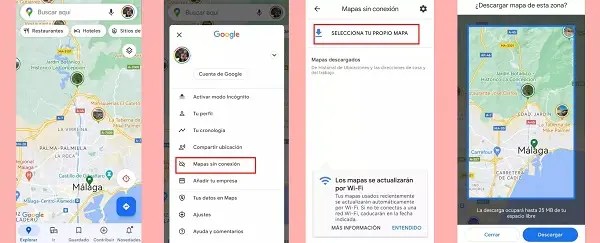
To download maps for offline use, open the Google Maps app, search for your desired location or area. Tap on the location name or address at the bottom, then select 'Download offline map' from the options. Adjust the visible area to cover your needed region and tap 'Download.' Ensure you have sufficient storage space. This process is straightforward and quick.
Can I search for places when Google Maps is offline?
Yes, you can search for places within the area you have downloaded using Google Maps offline. The app accesses the stored data on your device to find points of interest, restaurants, gas stations, and other locations. This functionality is a major advantage for navigating unfamiliar territories without an internet connection. It ensures you can always find what you need.
Does offline Google Maps provide walking or public transport directions?
While offline Google Maps excels at driving directions, its capabilities for walking and public transport directions are more limited. Walking directions often work, but public transport routes typically require real-time data for schedules and updates. It is best to download specific walking routes beforehand or confirm public transport details online. For driving, it is highly reliable.
How do I update or delete saved offline maps?
To manage your offline maps, open Google Maps, tap your profile picture, then select 'Offline maps.' Here, you will see a list of all your downloaded areas. You can tap on a map to update it, rename it, or delete it to free up storage space. Regular maintenance ensures your maps are current. Keeping maps updated provides the best experience.
5 Click-Worthy Titles: 1. Google Maps Offline: Your Guide to Seamless Navigation 2. Master Google Maps Offline Mode: Save Data, Stay Found 3. Unlock Google Maps Offline: Essential Travel Navigation 4. How Google Maps Offline Works: A Step-by-Step Tutorial 5. Navigate Anywhere: The Power of Google Maps Offline SEO Meta Description: Master Google Maps offline capabilities for seamless navigation without internet. Learn to download maps, save data, and explore confidently even in remote areas. Recommended URL Slug: google-maps-offline-guideAre you wondering how to navigate when internet access is unreliable or simply want to save on mobile data during your travels? Google Maps has evolved significantly, offering robust offline capabilities that empower users to find their way without a live connection. Many travelers frequently ask how they can truly rely on this feature. It is a game-changer for road trips across the country or exploring foreign cities where data roaming can be expensive.
Understanding Google Maps offline functionality ensures you remain prepared for any journey. This powerful tool allows users to download specific areas directly to their devices. By doing so, you can access turn-by-turn navigation and search for points of interest. This feature is especially beneficial for adventurers venturing into national parks or regions with spotty cellular service, ensuring continuous access to vital mapping data. Preparing ahead can prevent frustrating delays.
Mastering Google Maps Offline for Every Journey
Preparing for your trip by utilizing Google Maps offline features is remarkably straightforward and highly effective. First, open the Google Maps app on your smartphone and search for the area you intend to visit. Next, tap on the name or address of the location at the bottom of the screen. Then, select the option to 'Download offline map' from the menu. You can then adjust the area you wish to save, ensuring all necessary routes are included for your adventure. Remember to check for updates frequently.
Downloading Maps for Seamless Navigation
The process of downloading maps is designed to be user-friendly, catering to diverse travel needs. Users can select vast regions, covering entire states or multiple cities, depending on their storage capacity. For example, a frequent traveler through the Southwestern United States might download maps for Arizona, New Mexico, and parts of California. This allows for uninterrupted navigation across long distances, circumventing common dead zones. Regularly refreshing these downloads keeps the map data current.
- Open Google Maps and search for your destination or region.
- Tap the name or address, then scroll down and select 'Download offline map'.
- Pinch and zoom to select the desired area you want to save.
- Ensure the chosen area covers all your intended travel routes.
- Tap 'Download' to begin the process, which may take some time.
- Downloaded maps typically expire after one year, so update them regularly.
Optimizing Storage and Managing Offline Maps
Effectively managing your downloaded maps is crucial to conserve valuable device storage space, especially for users with limited memory. Google Maps provides tools within the app to view and delete older or less-needed maps. You can easily access this section by tapping your profile picture, then 'Offline maps'. From there, you can see map sizes and remove any areas no longer required. This proactive management keeps your device performing optimally. Deleting unnecessary maps frees up space for new adventures.
Benefits of Using Google Maps Offline
The advantages of using Google Maps in offline mode extend beyond mere navigation, offering significant practical benefits for all types of users. This feature dramatically reduces your reliance on cellular data, leading to substantial savings on your mobile bill, particularly when traveling internationally where roaming charges can be exorbitant. It also ensures consistent access to directions and location information even when you find yourself in areas with poor or nonexistent network coverage, like underground parking garages or remote hiking trails. This reliability offers immense peace of mind. Travelers can confidently explore new territories.
Saving Data and Avoiding Roaming Charges
One of the most compelling reasons to embrace Google Maps offline is the potential for significant cost savings on data. By downloading maps over Wi-Fi before you embark on your journey, you effectively eliminate the need to use mobile data for navigation. This is particularly advantageous for international travelers looking to avoid costly roaming fees. Imagine navigating a foreign city without worrying about data consumption; that peace of mind is invaluable. This smart preparation enhances your travel budget.
Reliable Navigation in Remote Areas
For adventurers and outdoor enthusiasts, Google Maps offline provides an essential safety net, guaranteeing access to critical navigation in remote or rural locations. Many scenic routes or wilderness areas suffer from patchy or nonexistent cellular service, making traditional online mapping useless. With offline maps, you can confidently explore, knowing your route and location information are always accessible on your device. This capability is indispensable for safety and exploration. Always inform someone of your route beforehand.
What Others Are Asking?
Does Google Maps use data if I have downloaded the map?
Once you have successfully downloaded a specific area in Google Maps, the app primarily uses the stored data for navigation and searching. While it may occasionally try to check for real-time traffic updates if an internet connection is available, basic navigation functions work entirely offline. This significantly reduces data usage, making it ideal for travel. You can even switch your phone to airplane mode.
How long do Google Maps offline downloads last?
Downloaded Google Maps typically remain valid for approximately one year from the date of download. Before their expiration, the app will usually notify you that the maps are due for an update or will be deleted. This ensures you always have the most current road information. Users can manually update maps anytime. Regular updates guarantee accuracy and reliability for your journeys.
Can I get turn-by-turn directions with Google Maps offline?
Yes, Google Maps provides full turn-by-turn voice navigation even when entirely offline, provided you have downloaded the relevant map area. This functionality is crucial for seamless travel, allowing you to follow routes without needing a data connection. You can also search for specific places within the downloaded region. This feature makes exploring new places much simpler.
Do offline Google Maps show traffic?
No, offline Google Maps generally cannot display real-time traffic conditions. Traffic information requires a live data connection to update dynamically based on current road situations. However, the core navigation, estimated travel times based on typical speeds, and points of interest remain fully functional without internet. Offline maps focus on route guidance. For live traffic, an online connection is essential.
What are the limits for downloading Google Maps offline?
Google Maps allows users to download quite large areas for offline use, often limited more by your device's available storage space than by specific map boundaries. The app usually suggests a maximum download size for a single area to ensure optimal performance. You can download multiple smaller areas if a single large region exceeds the limit. Manage storage by deleting old maps.
Final Thoughts on Google Maps Offline
Mastering Google Maps offline capabilities provides unparalleled freedom and peace of mind for any traveler or daily commuter. The ability to download maps, navigate without an internet connection, and significantly save on data charges makes it an indispensable tool for modern exploration. Google Maps Offline continues to evolve, offering increasingly robust features. Have you ever been lost without offline maps? How has this feature changed your travel habits?
Google Maps offline mode capabilities; how to download maps for offline use; managing offline map storage; navigating without internet; data saving tips for travelers; Google Maps features for remote areas; preparing for offline travel.

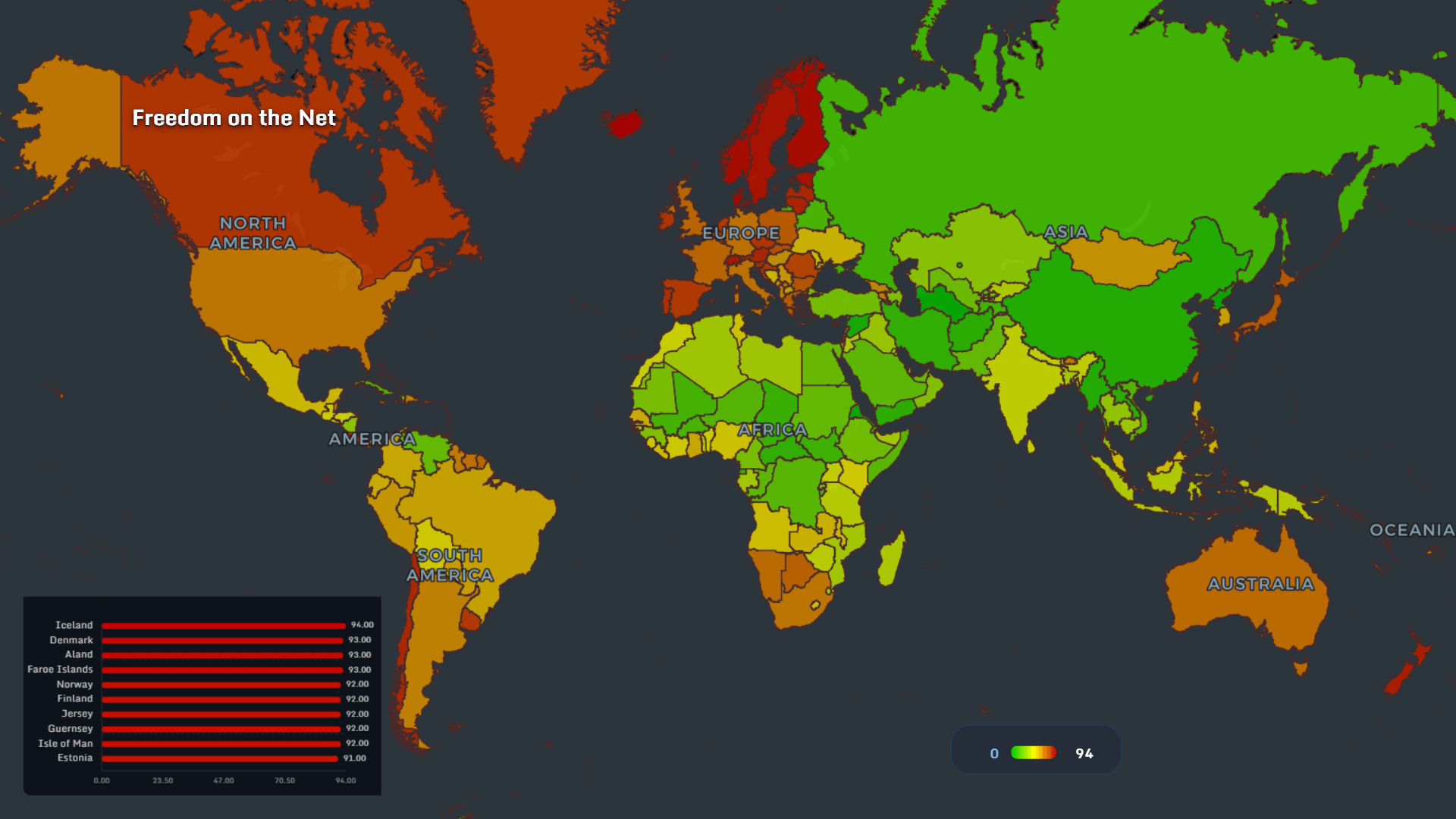
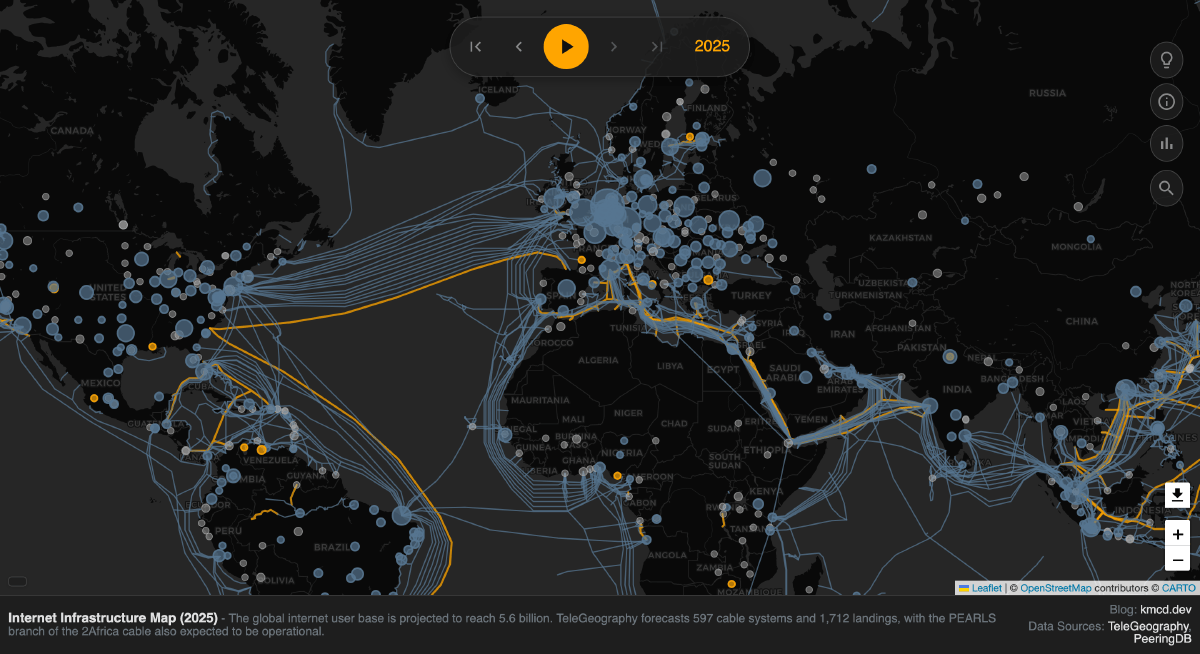
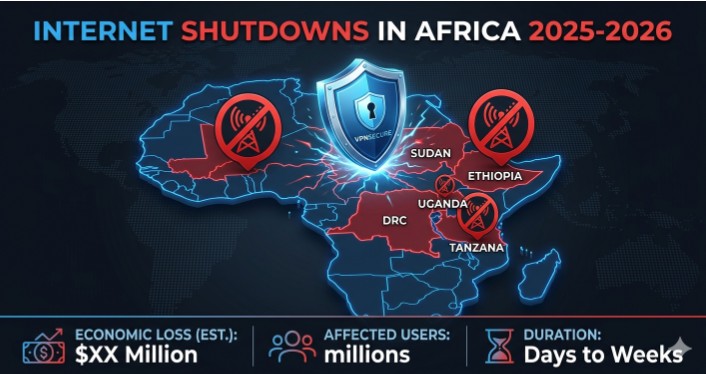

Google Maps Offline 2026 Cara Download Peta Tanpa Internet Dan Navigasi Gemini Generated Image 1 . Global Digital Divide Map 2026 Freedom Access And The Future Of Work Freedom . Visualizing The Internet 2026 Clustering No Hu . Internet Shutdowns Are Rising In Africa Here S What The Data Shows In Vpn . Digital 2026 Global Overview Report We Are Social USA 08 Internet Unconnected Map - 20251013 Digital 2026 Global Overview Report 68


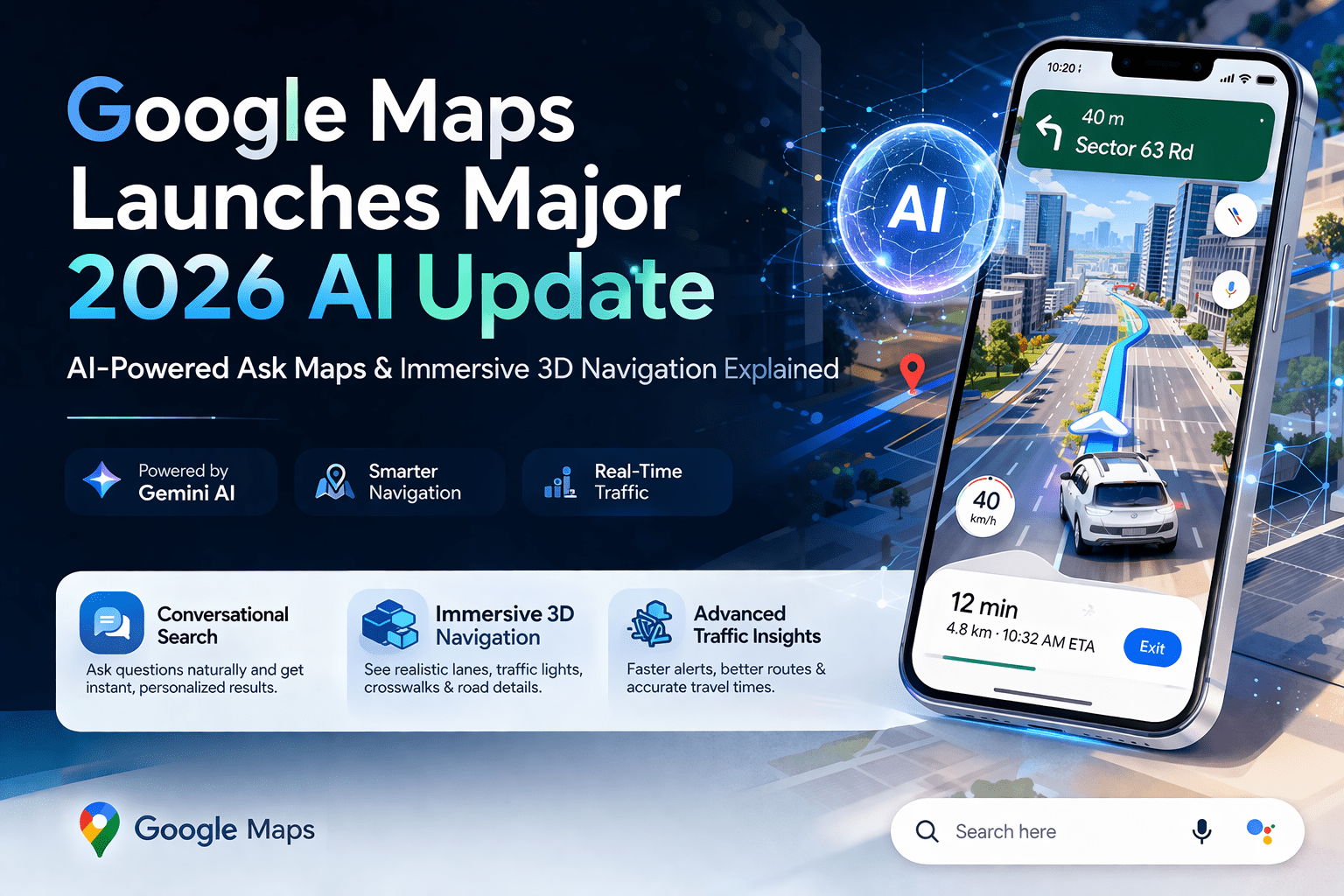

El Nuevo Google Maps 2026 Se Convierte En Tu Profeta Digital Personal How Were Reimagining Maps With G.width 2200.format Webp. O Novo Google Maps 2026 Se Torna Seu Profeta Digital Pessoal A Maior. No Tienes Internet As Puedes Usar Google Maps 2026 Elyex Internet. Google Maps AI Update 2026 Ask Maps Immersive 3D Navigation Google Maps AI Update 2026 . Rank 1 On Google Maps 2026 New Algorithm Strategy Rank On Google Maps In 2026


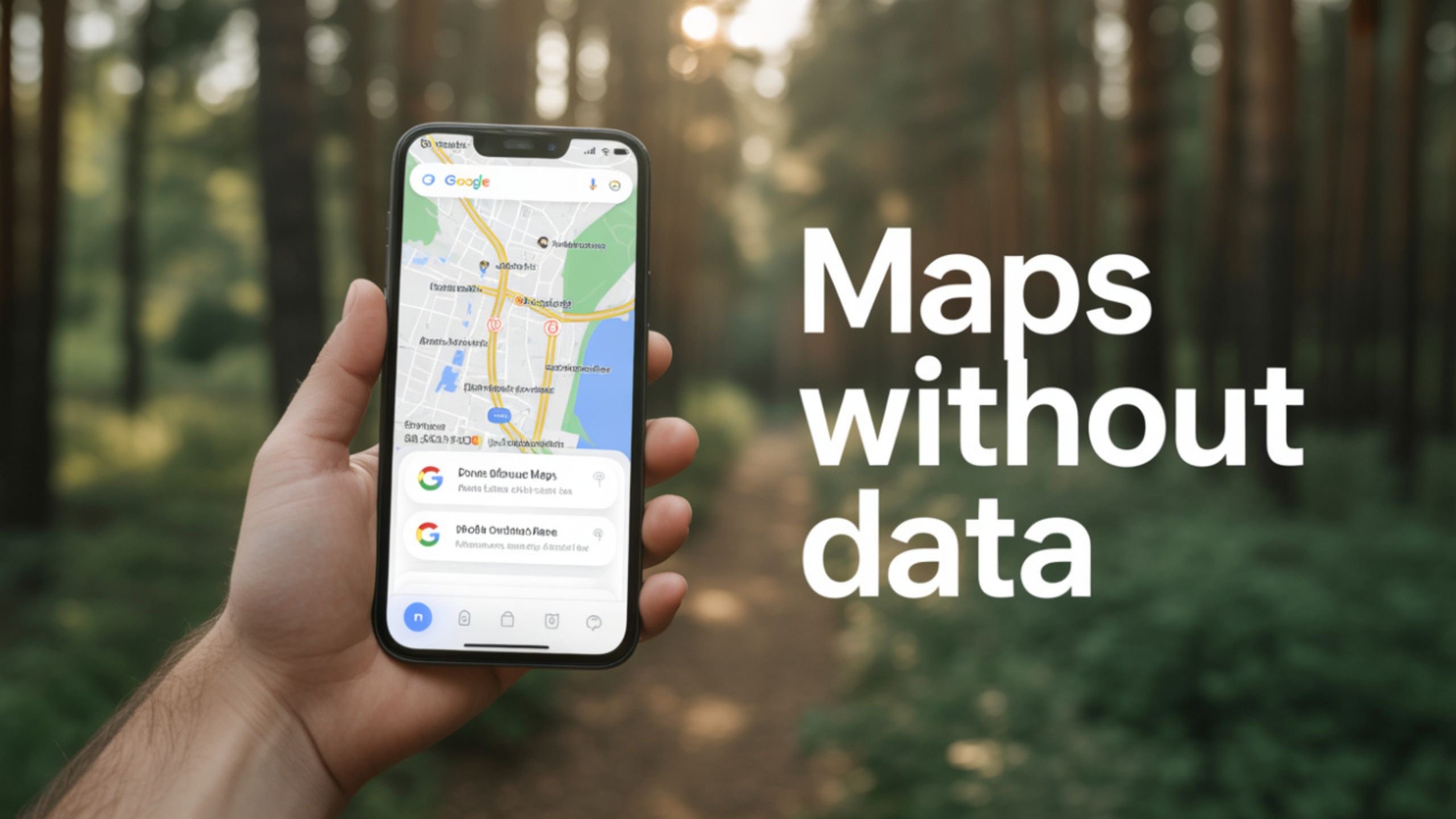
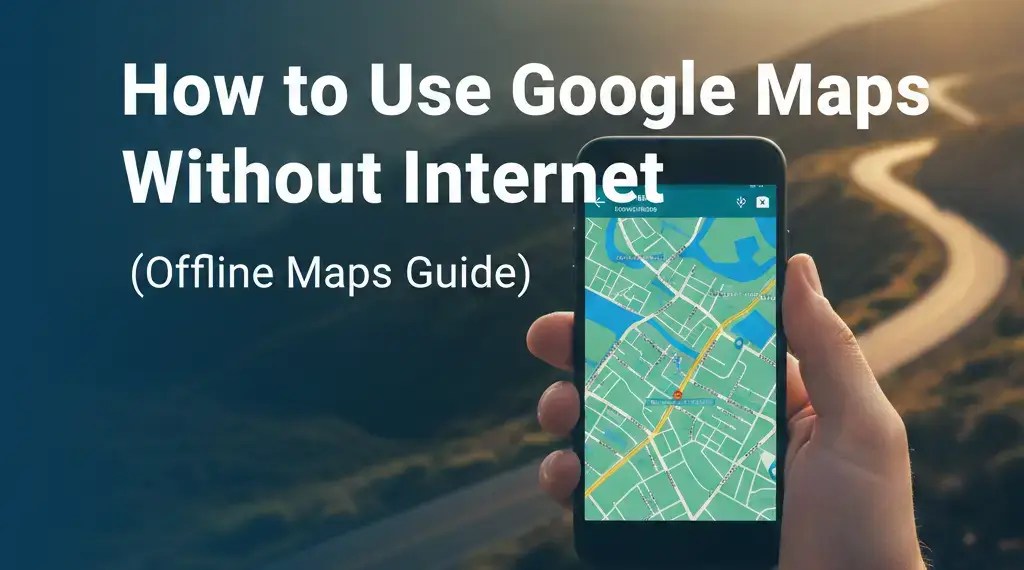
Feature The Maps App Will Actually Tell You If There Is No Internet . How To Save Offline Maps For Areas With No Internet On Google Maps . The Global 5G SA Footprint In 2026 Poster Download Ookla Ookla 5g SA World Map 2026 1200x715 Header2 1 . The Secret To Using Google Maps Without Internet Works Anywhere Google Maps Without Internet . How To Use Google Maps Without Internet Offline Maps Guide How To Use Google Maps Without Internet Offline Maps Guide.webp


No Tienes Internet As Puedes Usar Google Maps 2026 Elyex No Tienes Internet Asi Puedes Usar Google Maps.webp. How To Use Google Maps Without Internet 2025 YouTube . C Mo Utilizar Google Maps Sin Internet Google Maps Sin Internet 1560x880 .webp. Starlink Coverage Map 2026 Where Is Satellite Internet Available Now Starlink Coverage Map 2026 Showing Satellite Internet Across 75 Countries With Global Expansion Details . Gaia GPS Offline Trail Maps 2026 6 APK Download By Outside Inc Gaia GPS 2 946x2048


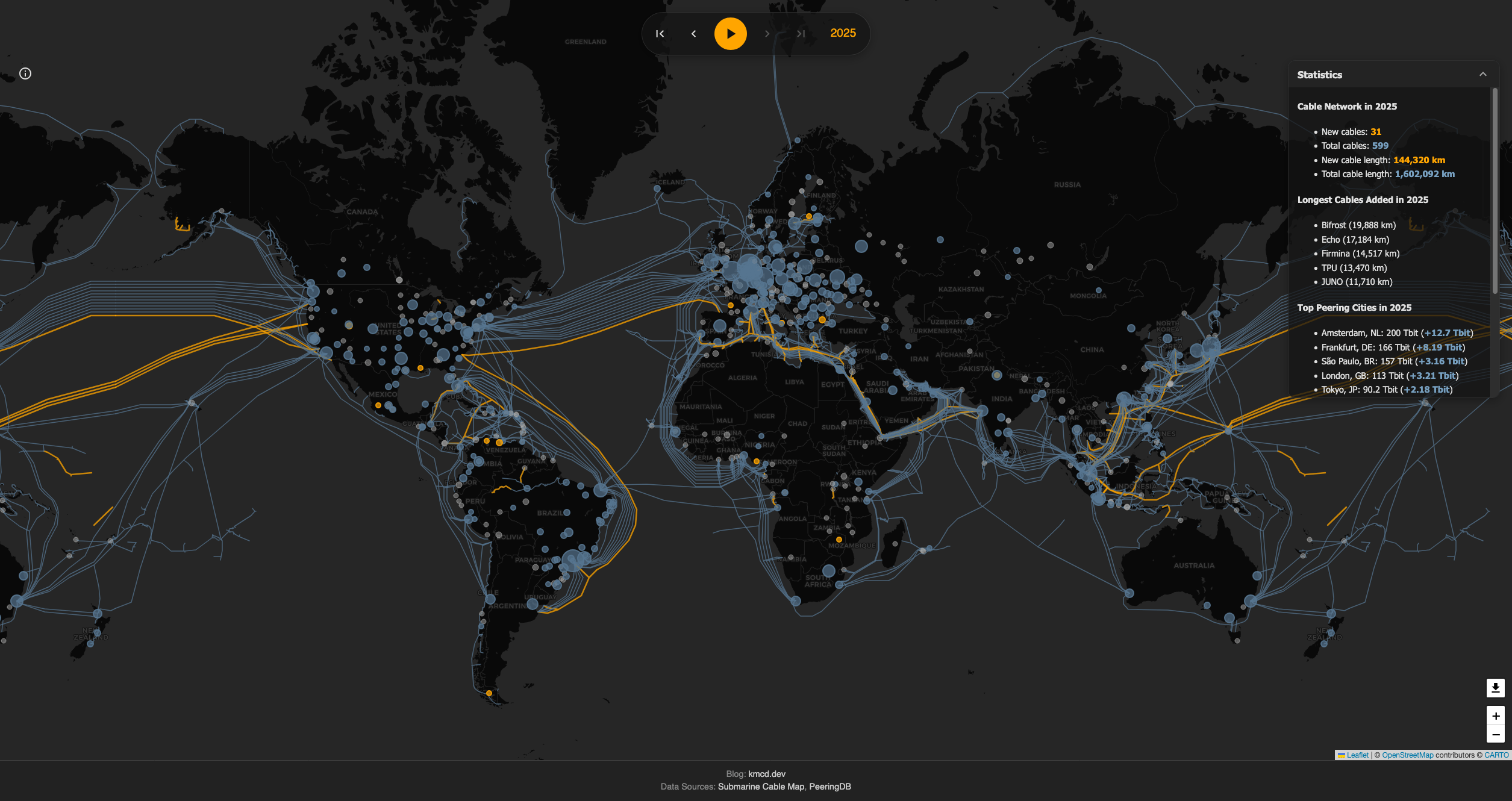


Google Maps 2026 ABC Conception IMG 8362 . Google Maps 2026 Updates Crawler. Visualizing The Internet 2025 Screenshot . Google Maps 2026 La Mayor Actualizaci N En Una D Cada Con Immersive Google Maps Immersive Navigation 2026 . How To Use Google Maps Offline In 2026 For Toronto Businesses Glorifix How To Use Google Maps Offline In 2026 1024x585


Digital Nomads Are Quietly Leaving These Cities In 2026 Here S Why Nomad Shifts . How To Rank Higher On Google Maps Complete 2026 Guide 1.rank Higher In Google Maps 2026 1024x683 . O Novo Google Maps 2026 Se Torna Seu Profeta Digital Pessoal A Maior Amm2bjbb Thumb. No Internet Needed The New Map App That Outperforms Everything Else No Internet Needed The New Map App That Outperforms Everything Else.webp. Gu A Para Usar Google Maps Sin Internet Descarga De Mapas Google Maps Sin Internet


2026 Gemini Generated Image . Global In 2026 Futuristic Digital World Map Stock Global Futuristic Digital World Map Glowing Fiber Optic Cables Data Streams Illustrates Concept 424976075 . World Map 2026 Built With AI On Blink World Map 2026. Google Maps 2026 Archives