Ever wondered if your TV or monitor's response time actually impacts your console gaming? You are not alone. Many console gamers, especially those balancing work and family, often feel a subtle lag or wonder if their hardware is holding them back. With an average gamer age around 36 and 87 percent playing regularly, optimizing our limited gaming time is key. This comprehensive guide cuts through the technical jargon to explain exactly what response time is, why it matters (or sometimes doesn't) for your specific console setup, and how you can make informed decisions without breaking the bank. We will dive into practical tips, common misconceptions, and budget-friendly upgrades so you can enjoy smoother gameplay, whether you are unwinding after a long day or chasing that competitive edge. From understanding milliseconds to optimizing settings, this article helps you get the most out of your console gaming experience, ensuring your relaxation and fun are never hampered by hardware confusion.
What is display response time in console gaming?
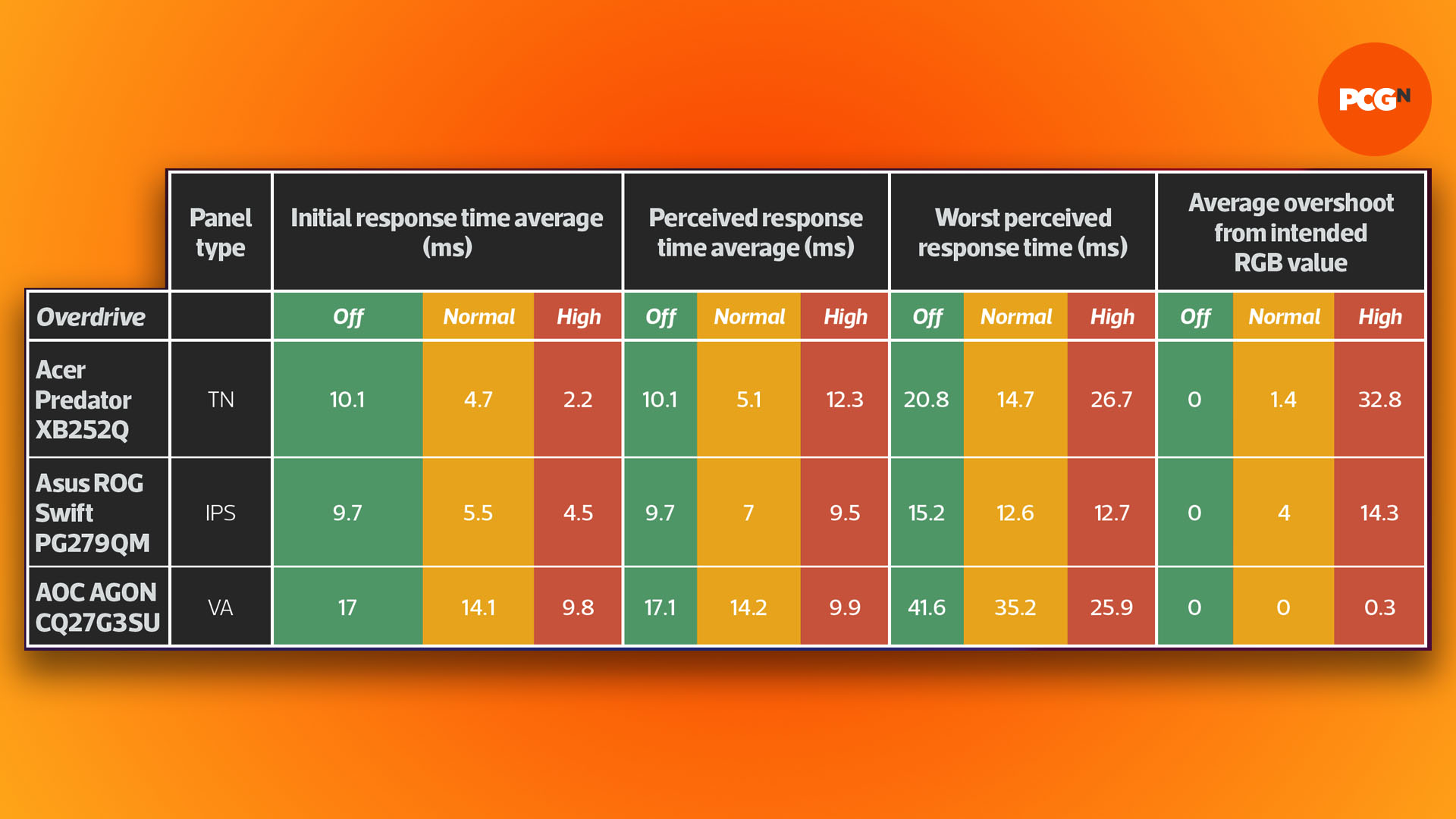
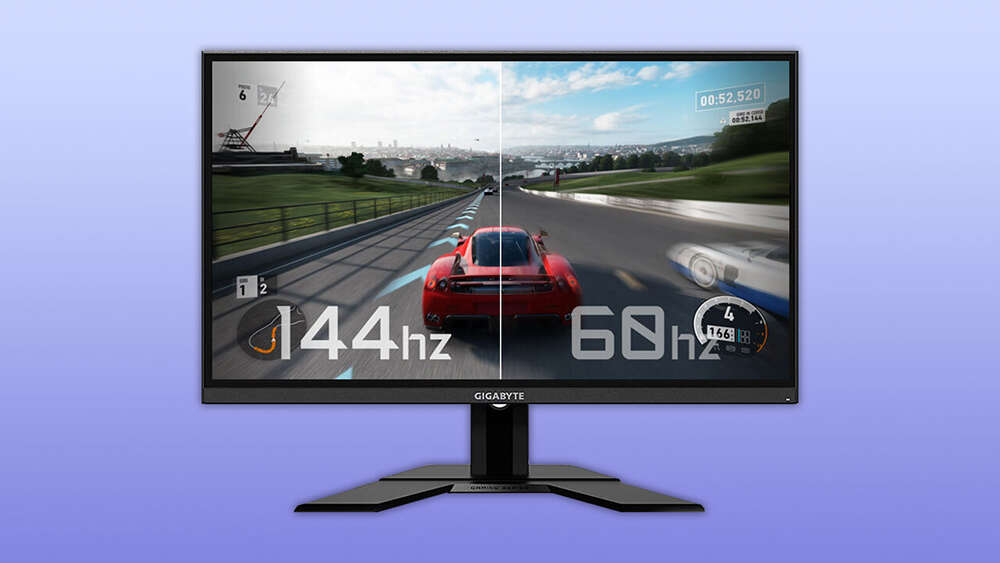
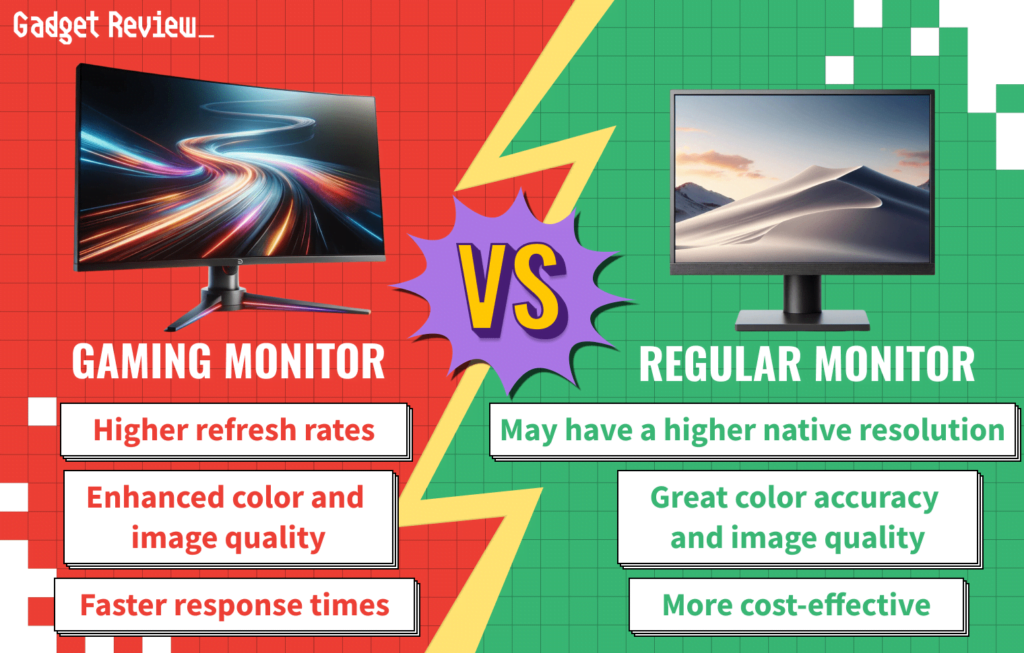
Display response time measures how quickly a pixel on your screen can change colors, typically from gray to gray or black to white. In console gaming, a faster response time (lower milliseconds) reduces motion blur and ghosting, making fast-moving images appear clearer and sharper. This is especially beneficial for competitive multiplayer games.
Does a 1ms response time really matter for casual console gamers?
For most casual console gamers, a 1ms response time monitor or TV is not strictly necessary. The difference between 1ms and 5ms or even 8ms is often imperceptible during slower-paced or single-player games where reaction times are less critical. Focus on overall picture quality and input lag for a better experience if you are not playing competitively.
How can I check my TV or monitor's response time for console gaming?
You can usually find your display's response time in its specifications, either in the user manual, on the manufacturer's website, or on the product listing if you bought it online. Look for
As console gamers, many of us juggle careers, family life, and other responsibilities. When we finally get a moment to sit down with our PlayStation, Xbox, or Nintendo Switch, we want that experience to be as smooth and enjoyable as possible. We invest in the latest consoles, new games, and maybe even a comfy gaming chair, but one technical term often pops up that leaves us scratching our heads: response time. Does response time truly matter for console gaming, or is it just another buzzword for hardcore PC enthusiasts?
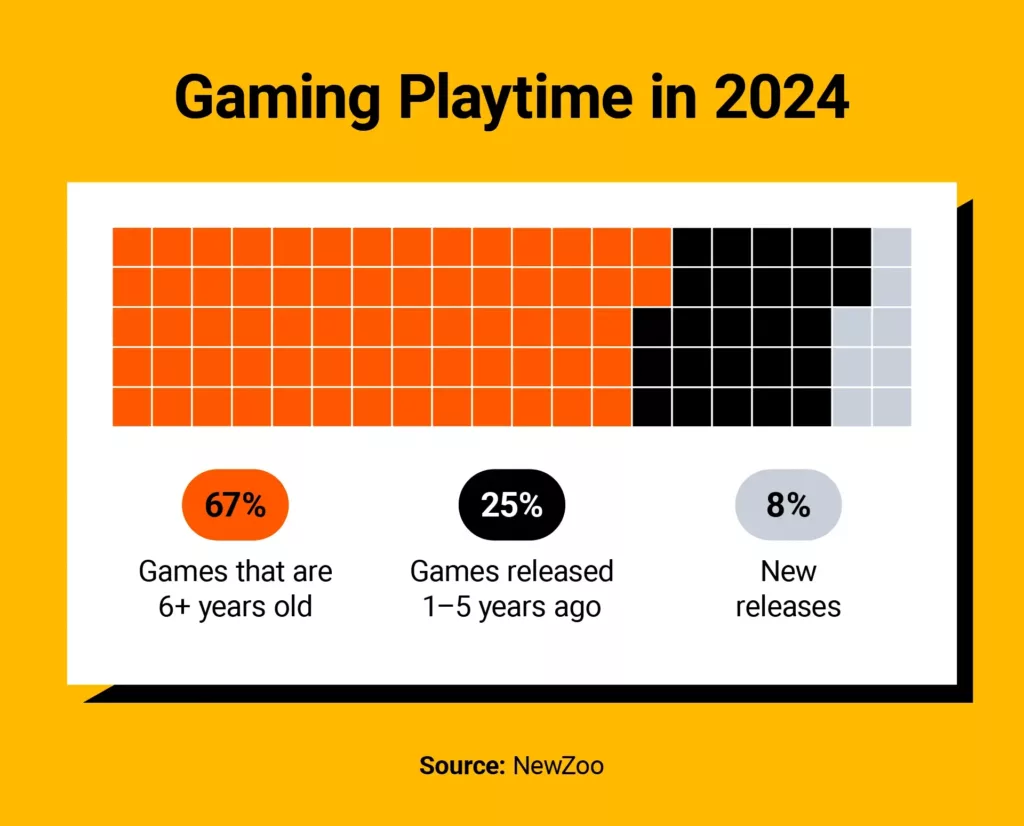
You are not alone in asking this. With US gamers averaging over 10 hours a week and 87 percent regularly engaging, we want to maximize our limited, valuable gaming sessions. We are not looking for hype; we are looking for practical, budget-conscious ways to enhance our fun, build skills, and connect with friends online. This guide is built for you, the everyday console gamer who values performance optimization but also needs value for money and solutions that fit into a busy life. We will break down response time, demystify its impact on console gaming, and provide actionable advice so you can make informed decisions without diving deep into a technical rabbit hole. Let's ensure your setup is helping, not hindering, your precious gaming time.
What Exactly Is Response Time And How Does It Affect Console Gaming?
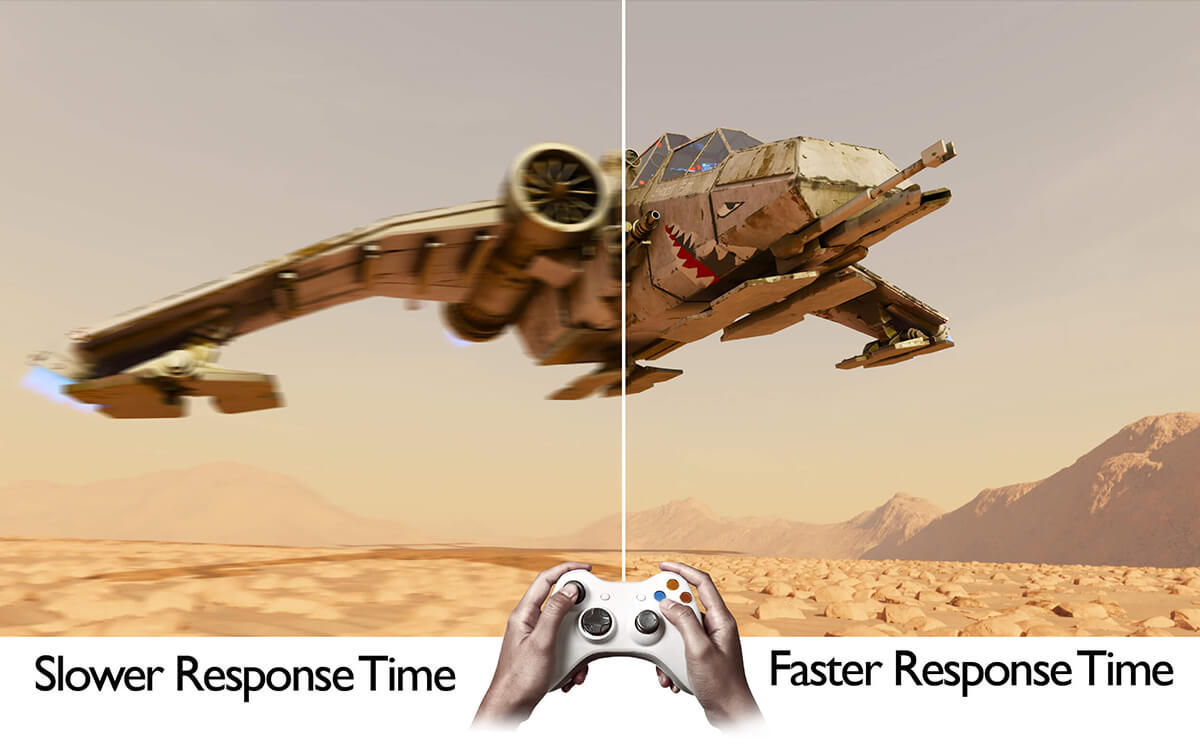
Response time refers to how quickly a pixel on your display can change from one color to another, typically measured in milliseconds (ms). A lower response time means faster transitions. For console gaming, this directly influences how clearly motion is rendered on your screen. If your display has a high response time, you might experience motion blur or ghosting, where traces of previous frames linger as new ones appear.
For competitive console gaming, such as fast-paced shooters or fighting games, a low response time (like 1ms or 5ms) can be crucial. It ensures that what you see on screen is as close to real-time as possible, allowing for quicker reactions and clearer target acquisition. For more casual games like adventure titles, RPGs, or cozy sims, the impact is far less noticeable, and a slightly higher response time might not affect your enjoyment at all. The average gamer often prioritizes immersion and fun, and subtle ghosting might go completely unnoticed.
Is Response Time The Same As Input Lag For Console Players?
No, response time and input lag are two distinct but often confused display metrics, especially for console gamers. Response time, as discussed, is about pixel transition speed and motion clarity on your screen. Input lag, on the other hand, measures the delay between when you perform an action on your controller (e.g., press a button) and when that action is actually displayed on the screen. Input lag encompasses the entire chain: controller processing, console processing, and display processing.
While both contribute to the overall responsiveness of your gaming experience, they affect different aspects. High response time causes visual artifacts like blur, while high input lag causes a noticeable delay between your actions and the game's reaction. For most console gamers, especially those playing competitively, **input lag is often a more critical factor** than response time. Many modern TVs have a
Response time impacts competitive games more than casual. Lower milliseconds mean less ghosting and blur. Modern consoles benefit from faster displays. Budget-friendly upgrades exist for better performance. Balancing cost and performance is crucial for busy gamers.
35
Does Monitor Response Time Matter For Gaming Does Monitor Response Time Matter For Gaming 1759469472 1024x1001 . Unpacking Latency S Impact On Your MMO Skills Does Response Time Matter For Tab Target Mmos Banner.webp. Monitor Vs TV For Console Gaming What To Look For In A Console Gaming Benq Monitor Vs Tv Gaming Response Time. Computer Monitor Response Time Explained At Jaxon Lawson Blog What Is Monitor Response Time Osrtt Table . Response Time S Role In Survival Horror Does Response Time Matter For Survival Horror Banner.webp


Response Time And Minecraft PvP Input Lag Test Does Response Time Matter For Minec Banner.webp. Monitor Response Time Explained CORSAIR Monitor Repsonse Time 1000.format Webp.webp. Guide To Refresh Rates And Response Times In Gaming Monitors 2021 3818951 . Top 8 Gaming Consoles For Every Budget 2026 Technobezz 2026 02 05 At 12 44 58 AM 308a5bab2d . Xbox 2026 Comeback Starts On January 22 With Forza Horizon 6 And Fable Best Gaming Consoles Hero Image


How Is Gaming Monitor Response Time Measured GtG MPRT Mobiuz Gaming 1200. How Gaming Reaction Time Impacts Your Success BlazePod 1 Fb631e98 6b7b 42f2 9638 1024x1024 . Why Is Response Time Important In Gaming Monitors Gaminglocus Com Optimal Response Time Matters 1024x683 . Response Time Vs Peeker S Advantage Does Response Time Matter For Tarkov Peeker S Adva Banner.webp. What Is The Best Response Time For Gaming 2026 Guide TITAN ARMY Titan 241125 Blog 900 600 1 33f077d6 8b3c 42a2 8770

Does Response Time Matter In PVE Does Response Time Matter For Pve Shooters Banner.webp. What You Need To Know About Response Time Monitor For Gaming And . What Is The Best Monitor Response Time For Gaming Ultimate Guide What Is The Best Monitor Response Time For Gaming Guide Img . Why Gaming Response Time Matters The Science Behind Response Time How Banner V1.webp. What Is The Best Response Time For Gaming 2026 Guide TITAN ARMY 260113 P2510S Plus Blog 1920x1200 1 C3b4c46b 26af 45f4 844f

Xbox Cloud Gaming Is It Changing How We Play Forever . Monitor Response Times A Guide For Gamers Pixio JOIN OUR TEAM 2032 X 1000 Px 1024x1024 . Games Coming To Nintendo Switch 2 And Nintendo Switch In 2026 Nintendo . Best Gaming Monitor Response Time A Gamer S Guide To Response Time 1024x653 . Why Response Time Rarely Matters Does Response Time Matter For Flight Sim No Banner.webp


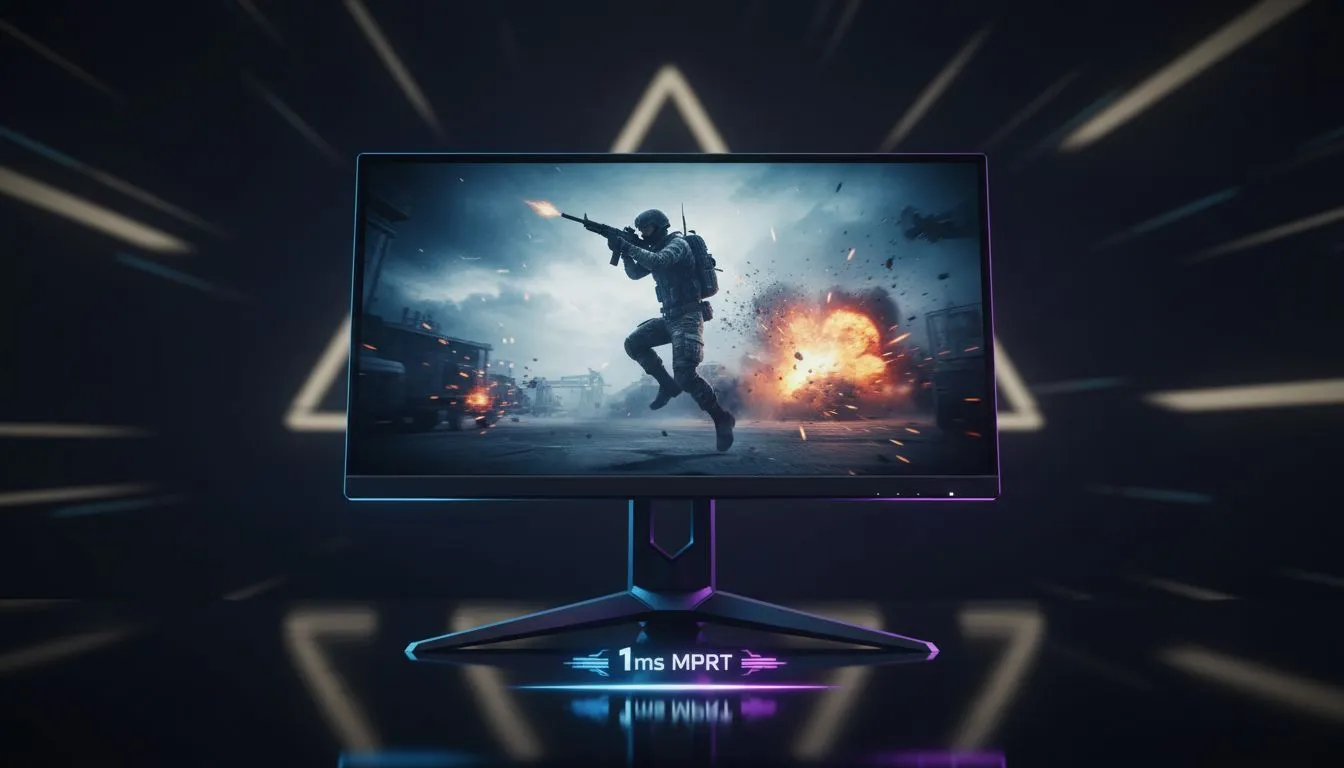
Customer Experience In Gaming 2026 Proven Strategies For Loyalty Fast Response Times . What Is Response Time In Monitors 1ms Vs 4ms Explained Switchblade Monitor Response Time Gaming.webp. How Do Response Times Impact Your Gaming Monitor Play Gaming Monitor Play 1024x576 . PC Gaming Vs Console Gaming 15 Key Statistics For 2026 Gaming Playtime In 2024. Why 1ms Response Time Matters Mprt Explained Why 1ms Response Time Matters For F Banner.webp
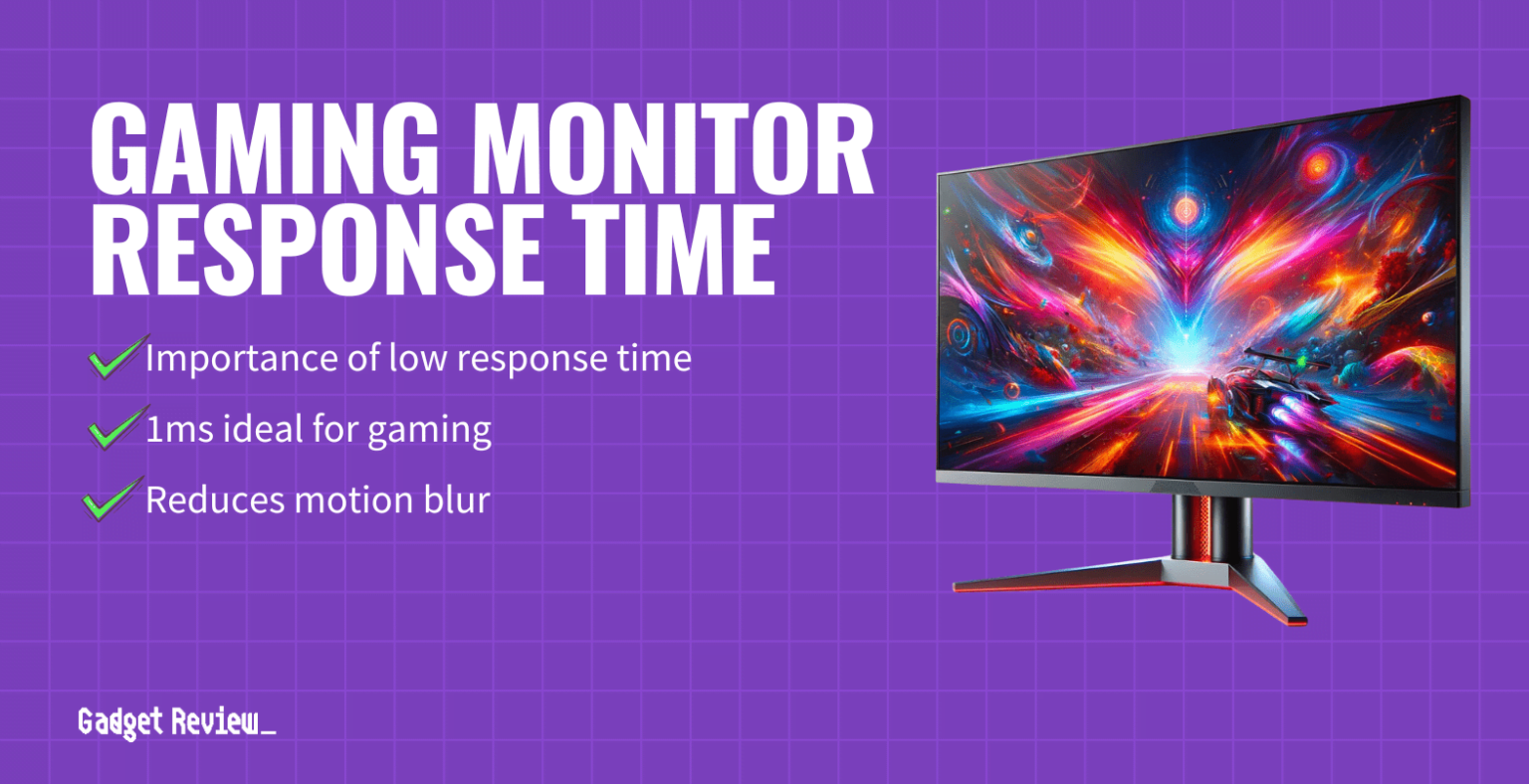

Gaming Monitors Refresh Rate Response Time And Resolution How Does Response Time Affect Gaming Performance 2.webp. How To Check Monitor Response Time TASEAL Response Time Monitoring Guide . The Best 240Hz Gaming Monitors In 2025 Ranked Gaming Monitor Response Time Guide 1536x788 . State Of Gaming 2026 Mobile PC Console Data Landing Page Internal Pages.webp. Does Response Time Matter In PVE Does Response Time Matter For Pve Games Mh Guide Banner.webp