Ever wonder why Roblox keeps kicking you out of games mid-play? It is frustrating when you are trying to relax after a long day or connect with friends only to be abruptly disconnected. This comprehensive guide dives into the most common reasons behind unexpected Roblox game kicks, ranging from network issues and outdated software to server problems and account violations. We will explore practical troubleshooting steps that busy gamers can implement quickly to get back into the action. Whether you are dealing with a fluctuating Wi-Fi signal, an old game client, or even a suspicious third-party program, understanding the root cause is the first step towards a stable gaming experience. Learn how to optimize your settings, secure your account, and maintain a smooth Roblox session without constant interruptions. Discover solutions that cater to the average gamer who values their limited time and seeks reliable performance. Stop getting kicked and start enjoying your favorite Roblox experiences today. This resource offers actionable advice for a seamless Roblox journey.
Why does Roblox keep kicking me out of games?
Roblox often kicks players due to unstable internet connections, outdated game clients or drivers, server-side problems, or violations of its Community Standards. It's a common issue that can be frustrating for gamers looking for a quick escape or social connection. Identifying the specific cause is key to finding a lasting solution.
How can I stop getting kicked from Roblox?
To stop getting kicked from Roblox, first ensure a stable internet connection, preferably wired. Keep your Roblox client, operating system, and graphics drivers updated. Avoid using unauthorized third-party software and always adhere to Roblox's community guidelines. Restarting your router and clearing your cache are also quick fixes for many users.
What are the common errors for Roblox kicks?
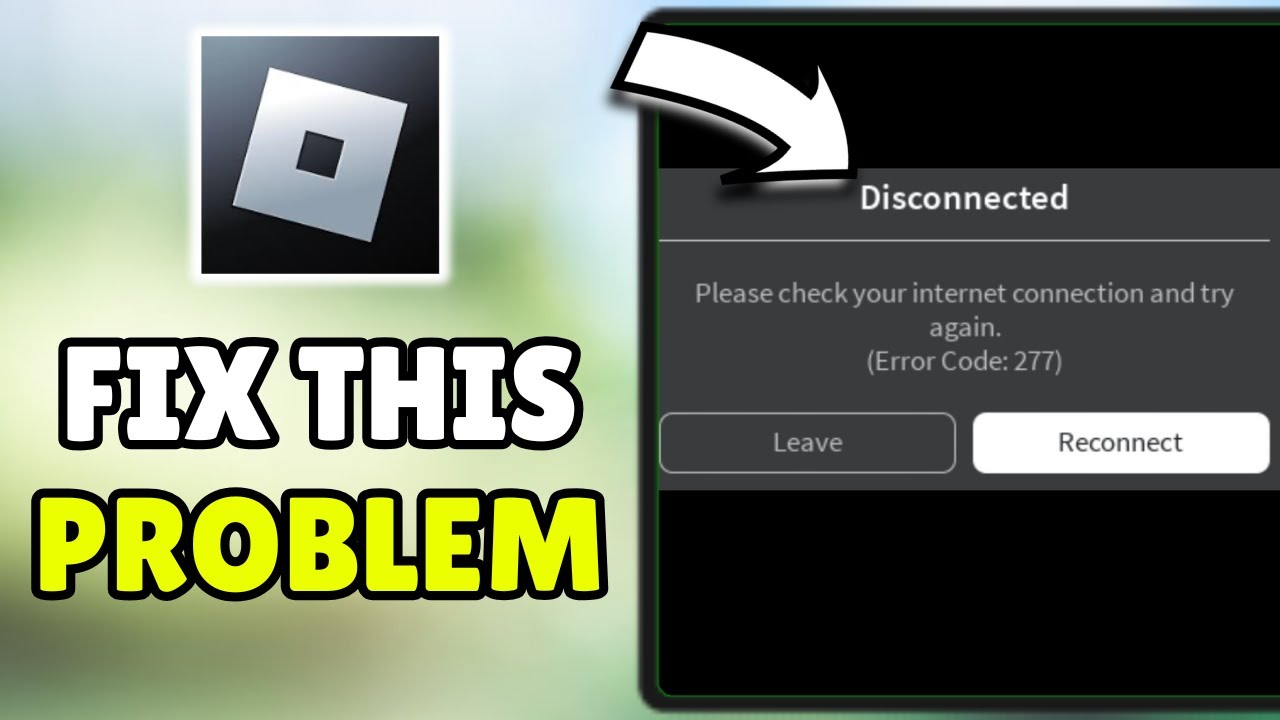
The most common error for Roblox kicks is 'Error Code 277,' which signifies a disconnection from the server, usually due to network instability. Other messages might include 'Disconnected: You were kicked from this experience,' indicating a server issue or moderation action. Understanding these codes helps in pinpointing the problem.
Is my internet connection causing Roblox disconnections?
Yes, your internet connection is a very frequent cause of Roblox disconnections. High ping, packet loss, or an unstable Wi-Fi signal can break your connection to the game server. To diagnose, try a wired connection, restart your router, and minimize other network usage. If the issue persists, contact your ISP.
Can Roblox ban me for getting kicked too much?
Roblox generally does not ban you simply for getting kicked due to technical issues like internet problems. However, if you are consistently kicked for violating the Terms of Service (e.g., exploiting, inappropriate behavior), these kicks will eventually escalate to temporary bans and potentially a permanent account termination. Always play fair.
What are the main reasons I'm getting kicked from Roblox?
The main reasons for getting kicked from Roblox games typically involve unstable internet connections, outdated game clients or drivers, server-side issues, violations of Roblox's Terms of Service, or interference from third-party software. Often, it's a combination of these factors creating an unstable environment for gameplay.
How do I fix common Roblox connection problems?
To fix common Roblox connection problems, start by restarting your router and modem. Ensure your Wi-Fi signal is strong or switch to a wired Ethernet connection for stability. You can also try flushing your DNS cache, using a different DNS server, or temporarily disabling your firewall/antivirus to check for conflicts. Keep your Roblox client updated.
Does my computer's performance affect being kicked from Roblox?
Yes, your computer's performance can definitely affect whether you get kicked from Roblox. Insufficient RAM, an overloaded CPU, an outdated graphics card, or a slow hard drive can all lead to stuttering, crashes, and ultimately, disconnections from games. Ensure your system meets the game's minimum requirements and close unnecessary background applications.
What should I do if I suspect a Roblox server issue?
If you suspect a Roblox server issue is causing you to be kicked, first check the official Roblox Status page or third-party sites like DownDetector. If servers are down or experiencing problems, there is little you can do but wait for Roblox to resolve it. You can also try joining a different game or server to confirm if the issue is widespread or specific.
Can using a VPN or exploits cause me to be kicked from Roblox?
Yes, using certain VPNs can sometimes cause connection instability with Roblox, leading to kicks, especially if the VPN server is distant or overloaded. Exploits or cheats are strictly against Roblox's Terms of Service and will almost certainly result in immediate kicks, temporary bans, or even permanent account termination by the moderation system.
How often should I update my Roblox game client?
You should aim to keep your Roblox game client updated automatically, as Roblox frequently rolls out patches and improvements. If you encounter consistent kicks, manually check for updates via the Roblox player or reinstall the client. Keeping your operating system and graphics drivers current is also crucial for optimal performance and stability.
What is "error code 277" in Roblox and how do I fix it?
Error code 277 in Roblox typically means you have been disconnected from the game server. It often points to internet connection issues or server problems. To fix it, try restarting your router, ensuring a stable internet connection, checking Roblox's server status, and clearing your browser's cache or cookies if playing through a browser. A full reinstall of the client can also help.
There is nothing quite as frustrating as settling in for a relaxing session on Roblox after a long day, only to be abruptly kicked out of the game. You are in the middle of a build, a competitive match, or a chill hangout with friends, and suddenly, poof! Back to the main menu. For the average gamer in 2026, often balancing work, family, and life, these interruptions are more than just annoying; they cut into valuable relaxation and social time. According to recent US gaming trends, 87 percent of gamers play regularly, often for 10 plus hours a week, and mobile gaming dominates a significant portion of this engagement. Social gaming, especially in platforms like Roblox, is a huge draw for adults who value quick escapes and connections. When these moments are ruined by unexpected disconnections, it can feel like a waste of precious minutes. But why does this happen? Why am I getting kicked out of Roblox games so frequently? This guide is designed to help you understand the common culprits behind these frustrating kicks and, more importantly, provide you with practical, actionable solutions to get you back in the game and keep you there.
We know you value your time and want straightforward answers without the hype. This article will walk you through everything from network glitches and outdated software to server issues and unexpected account problems. Whether you are looking to optimize your performance on a budget or simply want a stable connection for your next social gaming session, we have got you covered. Let us dive in and fix those annoying Roblox disconnections once and for all.
Why Am I Getting Kicked Out of Roblox Games Unexpectedly?
Getting kicked out of a Roblox game can stem from several underlying issues, often making it hard to pinpoint the exact cause immediately. The most frequent culprits include unstable internet connections, outdated Roblox clients or system drivers, server-side problems with the specific game or Roblox platform, and sometimes, even violations of Roblox's Terms of Service. For many adult gamers, a fluctuating Wi-Fi signal after a busy day, or a neglected software update, can easily disrupt a smooth gaming session. Roblox is constantly evolving, and a stable connection and up-to-date system are crucial for maintaining seamless play.
Understanding these general categories is the first step. Think of it like this: is the problem on your end, Roblox's end, or potentially a specific game's end? We will break down each of these possibilities so you can narrow down what might be happening to your game.
How Do Network Issues Cause Roblox Kicks?
Your internet connection is the lifeline of your online gaming experience, and an unstable one is a primary reason for Roblox kicks. Issues like high ping, packet loss, or intermittent Wi-Fi drops can cause your connection to the Roblox server to break, leading to a disconnection. If your game client cannot maintain a consistent data stream with the server, Roblox's system will interpret this as a dropped connection and kick you out to prevent desynchronization.
Consider switching from Wi-Fi to a wired Ethernet connection if possible. Ethernet provides a more stable, faster connection with less interference, which is a huge benefit for online games. If wired is not an option, ensure your Wi-Fi router is centrally located, free from obstructions, and that you are not too far from it. Minimizing other bandwidth-intensive activities like streaming 4K videos or large downloads on the same network can also significantly improve your game stability.
What Are Common Roblox Error Codes Related to Kicking?
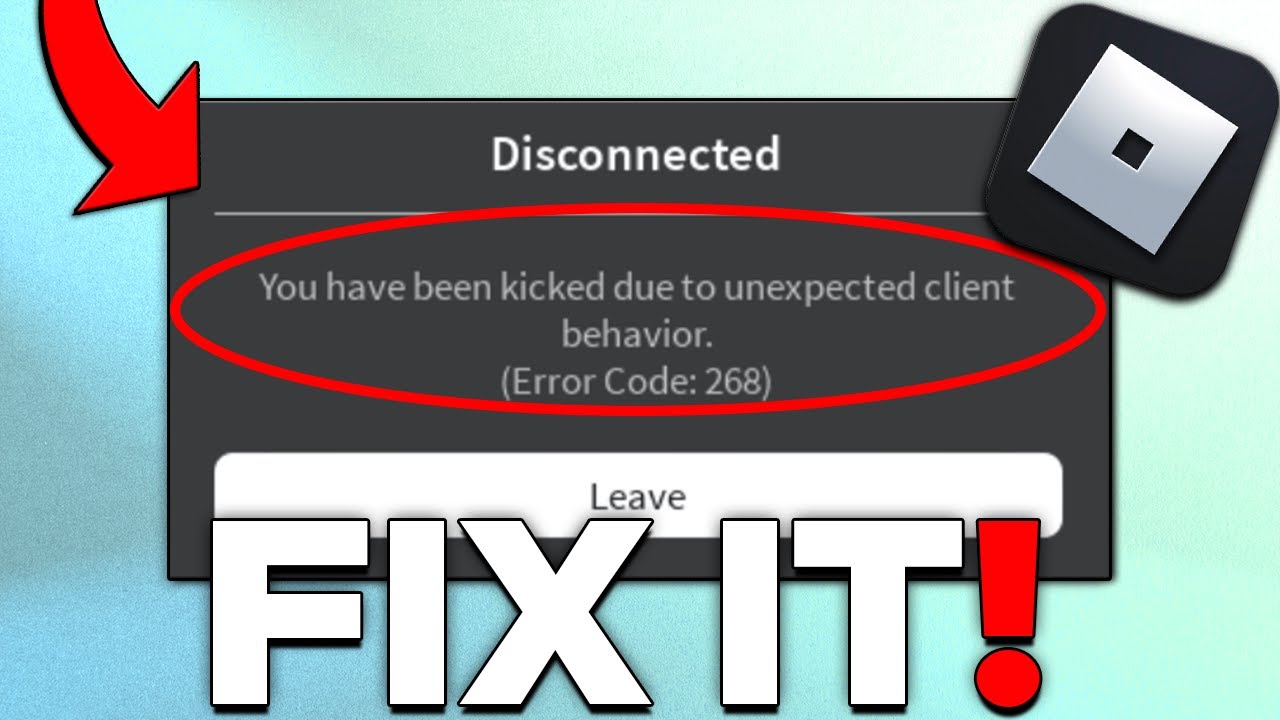
Roblox often provides error codes when you are kicked, which can offer valuable clues about the problem. The most common one is 'Error Code 277,' which typically indicates a disconnection from the server. This usually points to internet connection instability, but it can also occur if the game server itself crashes or undergoes maintenance. For busy gamers, knowing what these codes mean can save precious troubleshooting time.
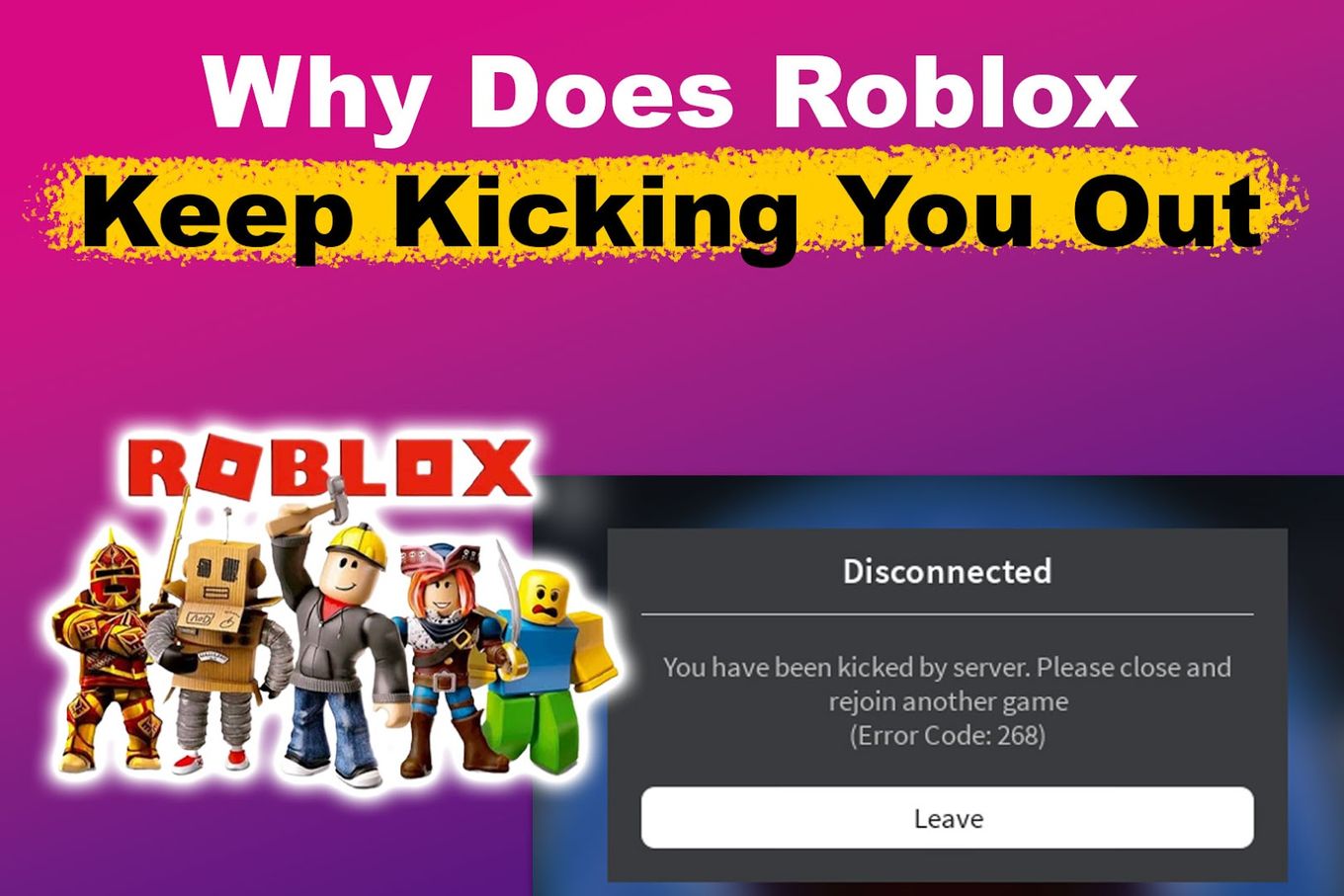
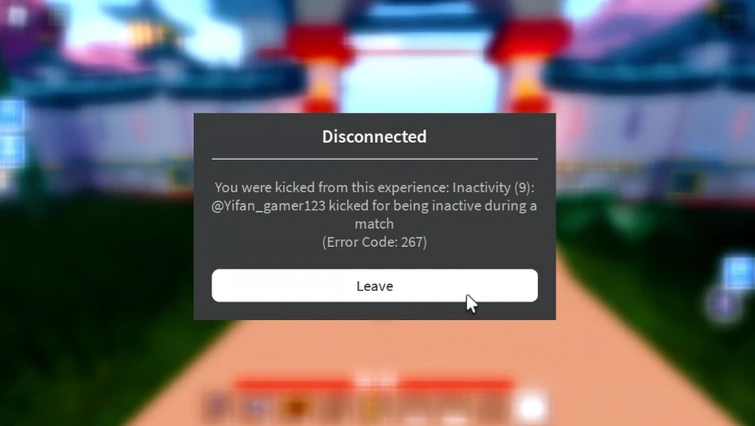
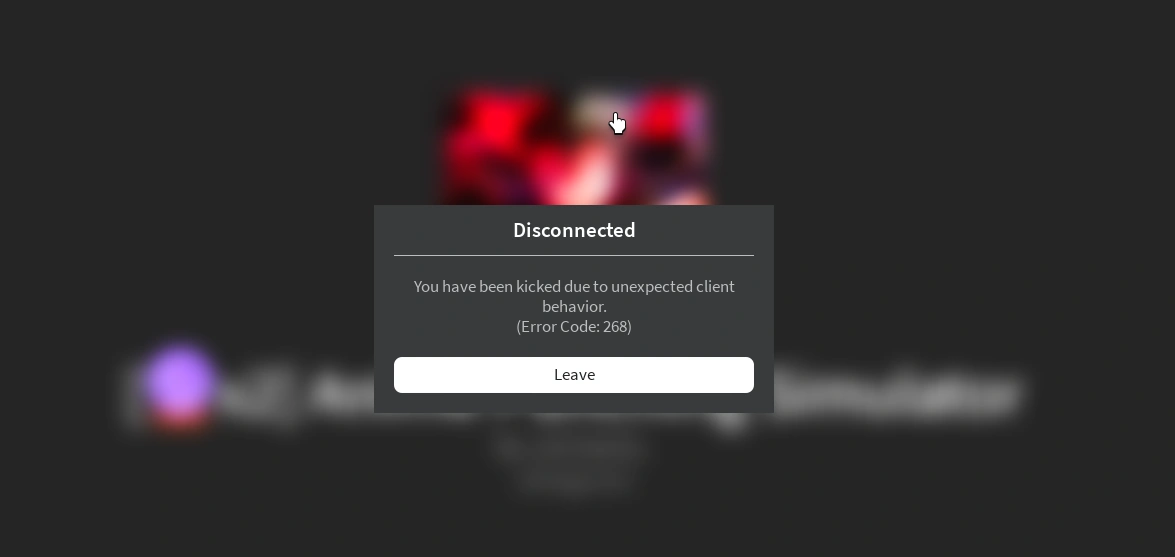
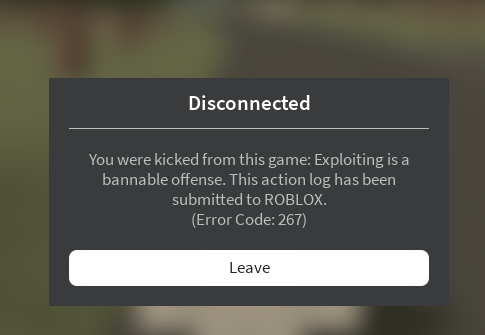
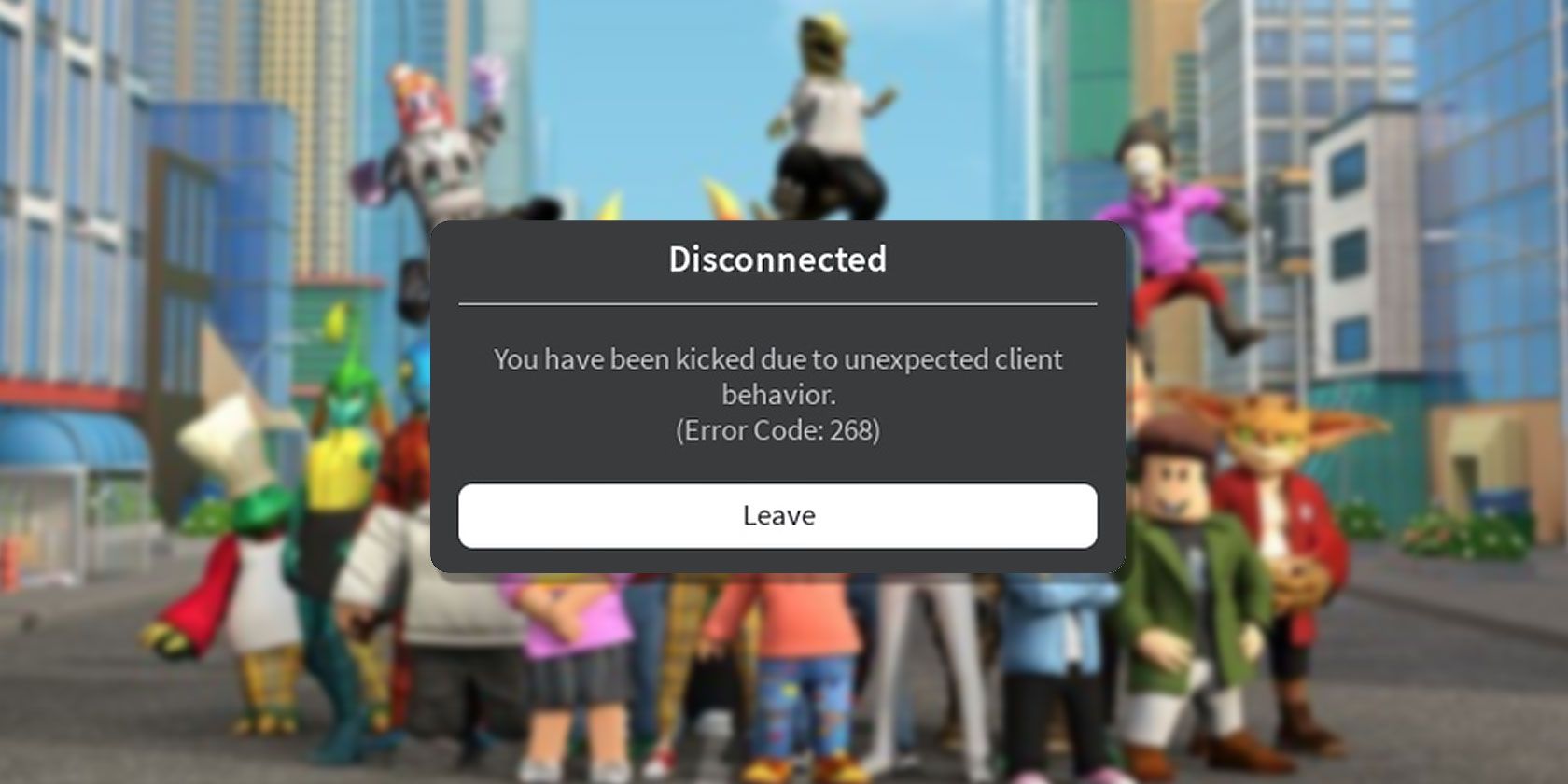
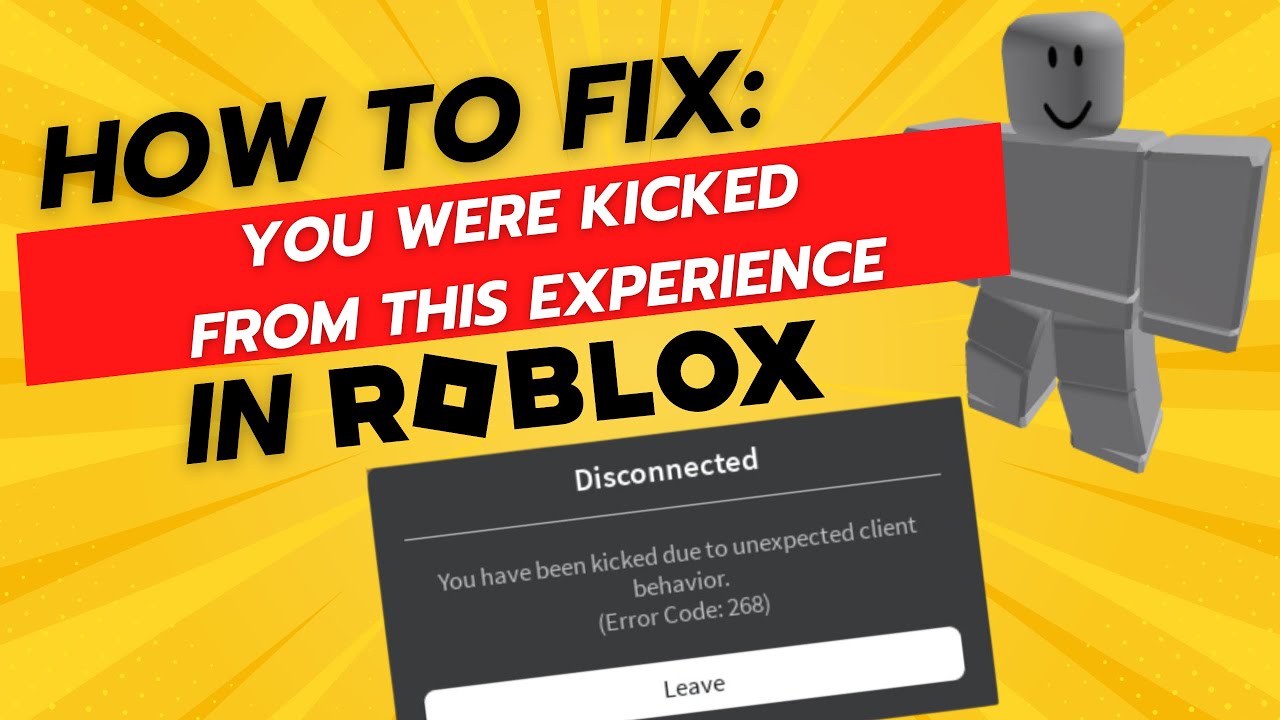
Other messages, though less frequent, include 'Disconnected: You were kicked from this experience,' which can be a general server-side issue, or a moderation action. If you see specific messages about 'outdated client' or 'system requirements,' these directly tell you what needs updating or improving on your end. Always pay attention to the exact message, as it often provides a direct hint to the solution.
Can Outdated Software Lead to Being Kicked from Roblox?
Absolutely. Running an outdated Roblox client, operating system, or even graphics drivers can significantly contribute to instability and lead to being kicked. Roblox frequently releases updates to improve performance, add features, and patch bugs. If your client is not up to date, it might struggle to communicate properly with the game servers, or encounter compatibility issues that result in a kick.
Similarly, outdated graphics drivers can cause rendering issues or crashes that trigger a disconnection, especially in more graphically intensive Roblox experiences. Keeping your operating system updated ensures you have the latest security patches and performance improvements. Make it a habit to check for updates for your Roblox client, Windows or macOS, and your graphics card (NVIDIA, AMD, Intel) regularly. A few minutes spent updating can save hours of frustration.
Are There Account-Related Reasons for Kicks or Bans in Roblox?
Yes, sometimes getting kicked or even banned is related to your account's behavior or security. Roblox has strict Community Standards and Terms of Service designed to keep the platform safe and fair for everyone. Violating these rules, even unintentionally, can lead to moderator-issued kicks, temporary bans, or in severe cases, permanent account termination. Common violations include:
- Using exploits or cheats
- Harassment or inappropriate behavior
- Scamming or phishing attempts
- Posting offensive content
Additionally, if your account has been compromised, malicious activity by an unauthorized user could lead to kicks or bans. It is vital to use strong, unique passwords and enable Two-Step Verification (2SV) to protect your account. For adult gamers who occasionally share accounts with family members, ensuring everyone understands and adheres to Roblox's rules is crucial.
How Do I Troubleshoot My Internet Connection for Roblox?
When Roblox kicks you out, your internet connection is usually the first place to look. Here is a quick troubleshooting checklist:
- Restart Your Router and Modem: This classic fix often resolves many network glitches by refreshing your connection. Unplug both for 30 seconds, then plug them back in.
- Check Your Wi-Fi Signal: If on Wi-Fi, move closer to your router or ensure no large objects are blocking the signal. Consider a Wi-Fi extender if your gaming setup is far.
- Use a Wired Connection: If possible, connect your PC directly to the router with an Ethernet cable. This eliminates Wi-Fi interference and provides a much more stable experience.
- Flush Your DNS: Open Command Prompt (Admin) and type
ipconfig /flushdns. This clears old DNS entries that might be causing issues. - Change DNS Servers: Sometimes, using public DNS servers like Google DNS (8.8.8.8 and 8.8.4.4) or Cloudflare (1.1.1.1) can improve connection stability and speed.
- Contact Your ISP: If issues persist, there might be a problem with your internet service provider (ISP). They can check your line for stability problems.
These steps are designed to be quick and effective, allowing you to get back to gaming without too much downtime.
What System Requirements Impact Roblox Game Stability?
While Roblox is known for being accessible on many devices, your system's hardware still plays a significant role in game stability, especially in more demanding experiences. Insufficient RAM, an overloaded CPU, an outdated graphics card, or even a slow hard drive can all contribute to lag, crashes, and ultimately, disconnections. Many adult gamers play on older systems they have had for years, and while Roblox might launch, performance can suffer.
Ensure your system meets or ideally exceeds Roblox's minimum requirements. For smoother gameplay, especially if you are multitasking (e.g., Discord in the background), having at least 8GB of RAM is recommended. Keep your graphics drivers updated, as these can drastically improve performance and stability. Closing unnecessary background applications before playing Roblox can free up valuable CPU and RAM resources, giving Roblox more room to run smoothly.
How Can Third-Party Software Affect My Roblox Experience?
Third-party software, especially those not officially sanctioned by Roblox, can be a major cause of kicks. This includes:
- Exploits/Cheats: Any program designed to give you an unfair advantage is a direct violation of Roblox's rules and will lead to immediate kicks and bans.
- VPNs: While not inherently bad, some VPNs can route your connection through servers that are far away or overloaded, causing high ping and packet loss, leading to disconnections.
- Antivirus/Firewall: Overly aggressive security software can sometimes mistake Roblox's network traffic as suspicious and block it, leading to kicks. Ensure Roblox is whitelisted in your firewall.
- Overlay Programs: Some game overlays (like Discord overlay or Geforce Experience) can sometimes conflict with Roblox, causing instability.
If you are getting kicked frequently, try disabling any non-essential background applications or overlays one by one to see if one is causing a conflict. Never use unauthorized software that promises to improve your Roblox experience, as these are often the source of major problems and account risks.
Why Do Specific Roblox Games Keep Kicking Me Out?
Sometimes, the issue is not with your connection or client, but with a specific game or its server. Some Roblox experiences are more resource-intensive or poorly optimized than others. For instance, a new, highly popular game with millions of concurrent players might struggle with server capacity, leading to kicks when overloaded. Or, a specific game might have a bug that causes players to disconnect under certain conditions.
If you only experience kicks in one particular game, try joining a different, less demanding game to see if the problem persists. If other games run fine, the issue is likely with that specific experience. You can report the bug to the game developer or try joining a less crowded server within that game. This is a common pain point for gamers trying to keep up with trending titles without constantly upgrading their hardware.
What Are Roblox's Moderation Policies Regarding Game Kicks?
Roblox's moderation policies are designed to maintain a safe and fair environment. Kicks are often the first line of defense against rule violations. If you are kicked due to moderation, it means Roblox's automated systems or human moderators detected behavior that goes against their Community Standards or Terms of Service. This could be anything from using inappropriate language to suspected exploiting.
It is important to remember that Roblox takes its rules seriously to protect its vast user base, including younger players. Always review the Community Standards if you are unsure why you were kicked. If you believe a moderation kick was an error, you can appeal the decision through Roblox Support, providing as much detail as possible about the incident. Fair play and a positive attitude are key to enjoying Roblox without moderation issues.
How Can I Prevent Future Kicks and Enjoy Stable Roblox Gameplay?
To ensure a consistently smooth Roblox experience and avoid frustrating kicks, adopt these best practices:
- Prioritize a Stable Internet Connection: Use Ethernet whenever possible. If on Wi-Fi, optimize your router placement and minimize other network usage.
- Keep Everything Updated: Regularly update your Roblox client, operating system, and graphics drivers. Enable automatic updates where available.
- Maintain a Clean System: Close unnecessary background applications and regularly clear your browser cache. Consider a light antivirus that does not conflict with games.
- Respect Roblox's Rules: Familiarize yourself with and adhere to the Community Standards. Avoid any third-party software that gives an unfair advantage.
- Monitor System Performance: If on PC, keep an eye on your CPU, RAM, and GPU usage during gameplay. Upgrade hardware if consistently bottlenecked and within budget.
- Check Roblox Status: Before diving into a session, a quick check of the Roblox Status page can tell you if there are widespread server issues.
By integrating these habits, you can significantly reduce the chances of being kicked out and maximize your enjoyment of Roblox, balancing your gaming passion with your busy life.
What Is Your Biggest Gaming Challenge?
Getting kicked out of Roblox games is a universal pain point, especially for gamers who crave a seamless escape after a busy day. By understanding the common causes—from network woes to outdated software and even moderation actions—you are now equipped with a powerful arsenal of troubleshooting steps. Remember, a stable connection, updated software, and respectful gameplay are your best defenses against unexpected disconnections. We hope this guide helps you spend more time building, exploring, and socializing in your favorite Roblox experiences. What is your biggest gaming challenge when it comes to performance or stability? Comment below!
FAQ Section
This FAQ section addresses common immediate questions regarding Roblox disconnections.
What are the primary reasons Roblox kicks players?
The primary reasons Roblox kicks players typically include an unstable internet connection, outdated game client or system drivers, Roblox server issues, and violations of the platform's Terms of Service, often through exploiting or inappropriate behavior. Understanding which category your issue falls into is crucial for troubleshooting.
How can I check if Roblox servers are down?
To check if Roblox servers are down, visit the official Roblox Status page or reliable third-party status trackers like DownDetector. These sites provide real-time updates on server health, ongoing outages, or scheduled maintenance, helping you determine if the problem is widespread or specific to your setup.
Is it always my internet connection causing Roblox kicks?
No, it is not always your internet connection. While a common cause, Roblox kicks can also result from outdated software, specific game bugs, an overloaded game server, or even your account being flagged for moderation. It is important to rule out other factors before solely blaming your Wi-Fi.
Can a slow computer make Roblox kick me out?
Yes, a slow computer can definitely cause Roblox to kick you out. Insufficient RAM, a struggling CPU, or an old graphics card can lead to game crashes, severe lag, and ultimately, disconnections. Roblox games, especially complex ones, require adequate system resources to run smoothly without kicking players for performance issues.
What does 'Error Code 277' mean in Roblox?
Error Code 277 in Roblox means you have been disconnected from the game server. It often points to problems with your internet connection's stability or the game server itself. To resolve it, try restarting your router, ensuring a strong internet signal, or checking Roblox's server status for widespread issues. Clearing browser cache might also help.
How do I prevent moderation kicks in Roblox?
To prevent moderation kicks in Roblox, strictly adhere to the Community Standards and Terms of Service. Avoid using exploits, engaging in inappropriate chat or behavior, and never promote or participate in scamming. Fair and respectful play ensures you avoid automated systems or human moderators flagging your account.
Should I reinstall Roblox if I keep getting kicked?
Reinstalling Roblox can be a valid troubleshooting step if you consistently get kicked and have ruled out internet or server issues. A fresh installation can fix corrupted game files or ensure you have the latest client version, resolving software conflicts that might be causing disconnections. Always back up any important data first.
What role do graphics drivers play in Roblox stability?
Graphics drivers play a significant role in Roblox stability, particularly for more visually demanding experiences. Outdated or corrupted graphics drivers can cause rendering glitches, crashes, and performance drops, which can lead to your Roblox client becoming unstable and disconnecting from games. Keeping them updated is crucial for smooth gameplay.
Understanding Roblox kick reasons, troubleshooting network issues, updating game client, checking system requirements, identifying bad behavior flags, resolving server problems, optimizing internet connection, securing account from unauthorized access, avoiding third party software, improving game stability, quick fix solutions, long term prevention strategies, enhancing Roblox experience.
35

How To Fix Getting Kicked Out Of Roblox Solved Kicked Out Issue . How To Stop Getting Kicked Out Of Roblox Games 2025 YouTube . 2026 UPDATED How To Fix Roblox Kicking You Out Mobile PC Stop . Why Does Roblox Keep Kicking You Out Easy Fix Alvaro Trigo S Blog Fix Roblox Keep Kicking Out . Roblox Keeps Kicking You Out Heres Why Roblox Kick Out Idle 20 Minutes



How To Fix Roblox Kicking You Out Of Games SOLVED 2025 YouTube . Why Do I Keep Getting Logged Out Of Roblox Clear Cache Ios Offload App . Roblox Kicking You Out Lets Figure It Out . How To Fix Roblox Kicking You Out Mobile Why Does Roblox Keep Kicking . How To Fix When You Keep Getting Kicked Out Of Roblox 2023 YouTube


When Did Roblox Come Out Answering Your Questions Is Roblox Actually Getting Banned On September 1 . Roblox Keeps Kicking You Out Heres Why Roblox Keep Kicking Out Share . Why Am I Keep Getting Kicked Out Fandom 755. Help Why Am I Getting Kicked In Every Game I Join Fandom 8ddb920b B957 49d2 9b47. How To Get Kicked In Roblox Games YouTube


Roblox Exploiting What You Need To Know . How To Get Kicked Out Of This Game In A Second Roblox YouTube . How To Message On Roblox 2026 A Quick Guide . How To Fix Roblox Mobile Kicking You Out Final Solution YouTube . Roblox Kicking You Out Lets Figure It Out Error268 Roblox

Why Does Roblox Keep Kicking You Out Easy Fix Alvaro Trigo S Blog Roblox Kicked Server Share . Why Does Roblox Keep Kicking Me Out Mobile 2022 Roblox Not Opening . How To Fix Roblox Games Kicking You Out Full Guide 2025 YouTube . Roblox Kicking You Out Lets Figure It Out Roblox Keeps Logging Me Out 1024x617 . Roblox Kicking You Out Lets Figure It Out Why Roblox Keep Kicking Me Out.webp





5 Ways To Get Kicked Out Of The Game In Roblox YouTube . How To Kick Someone From Your Private Server In Roblox 2025 WORKING . Why Do I Keep Getting Kicked Out Of Roblox Games Playgama Blog ChatGPT Image Jul 9 2025.webp. How To FIX Roblox Keeps Kicking You Out Of Games 2024 YouTube . WHY THIS ROBLOX GAME KICKED ME OUT Shorts Roblox


How Do I Stop The Server From Kicking Players Trying To Join . Seeing How Long It Takes Us To Get Kicked Out Of Roblox Games ERLC . Why Does My Game Kick Everyone Out The Game After A Certain Amount Of . How To Fix Roblox App Game Kicking You Out Easy Quick Solution YouTube . How To Fix You Were Kicked From This Experience Roblox YouTube